
Customizing Planes Just got Easy
Introducing the Livery Workshop - Free Weekend Info Below

I know, I know, what does this have to do with building Airports? It's tough to explain - It all began with wanting a Crop Dusting plane at my farm airport. I also figured people might want other static planes they could place around, so I added what I could find. While placing that plane, I wondered if I could add a small decal....
Well, the answer was "Hell yeah I can". So I added it. Then came the ability to draw a bit on these static, simple objects. At that point, it became easier to create a new environment to edit these objects, instead of painting them at your airport. Became the first version of the Livery Workshop.
Well, I went a bit nuts from there.
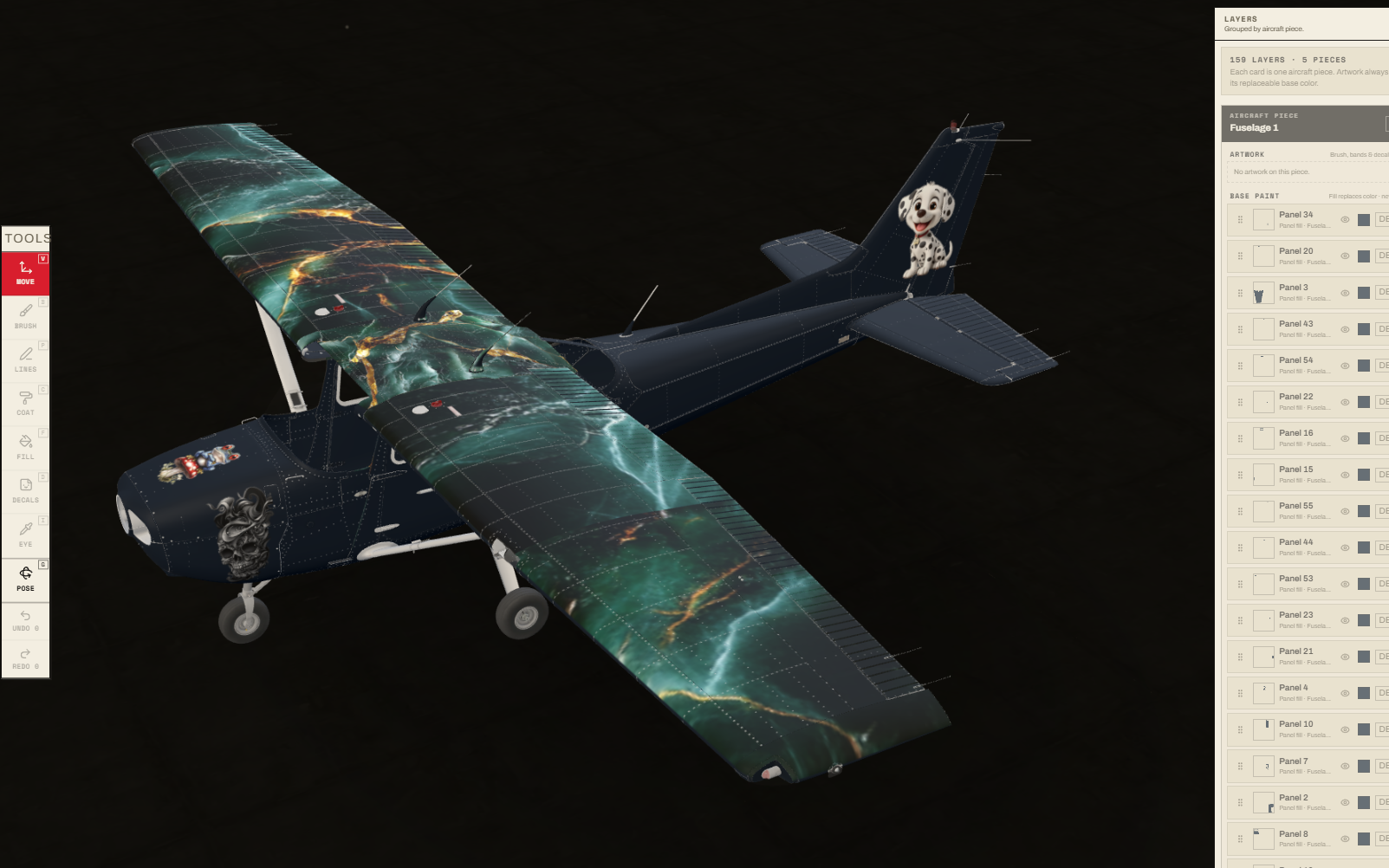
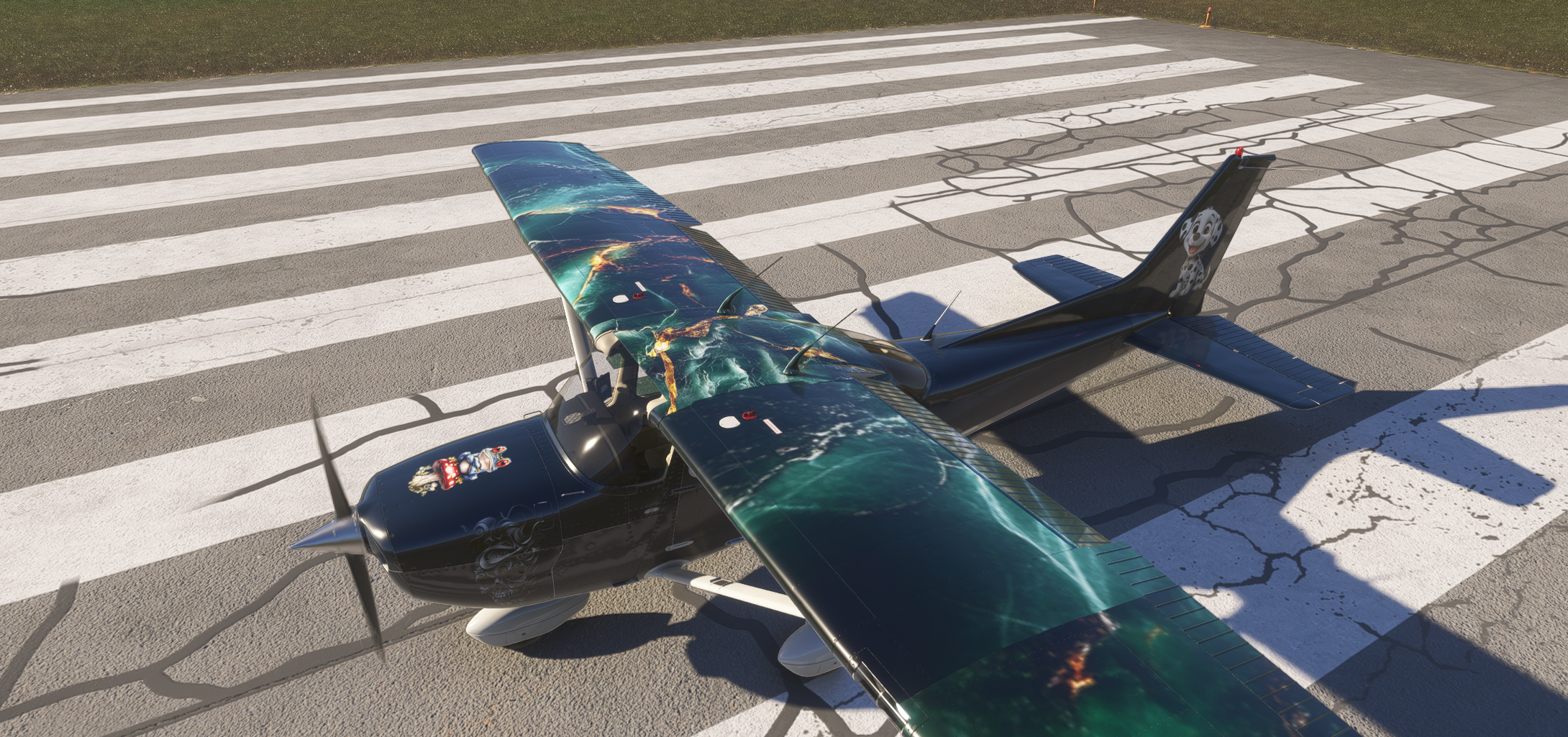
Figured out how to strip down actual flyable models into easily paintable exteriors, and added 18 flyable, paintable Airframes - including the Cessna 172, A320, and even the A400m. And they look awesome. With very little effort. I'll be working on stripping down and adding other default airframes in the coming weeks.
This update is a big one because it opens two parts of Project Airports that make the whole experience connected: Flying your very own painted livery, at your very own airport, that YOU made. It's an experience MSFS has been missing.
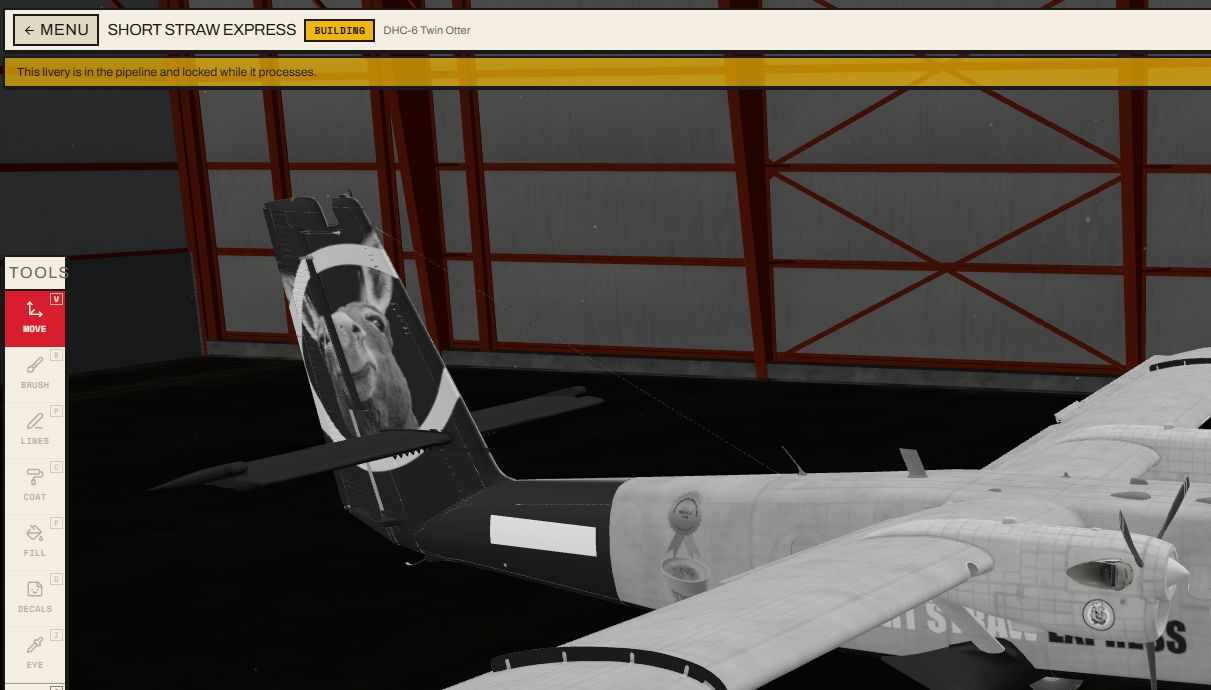
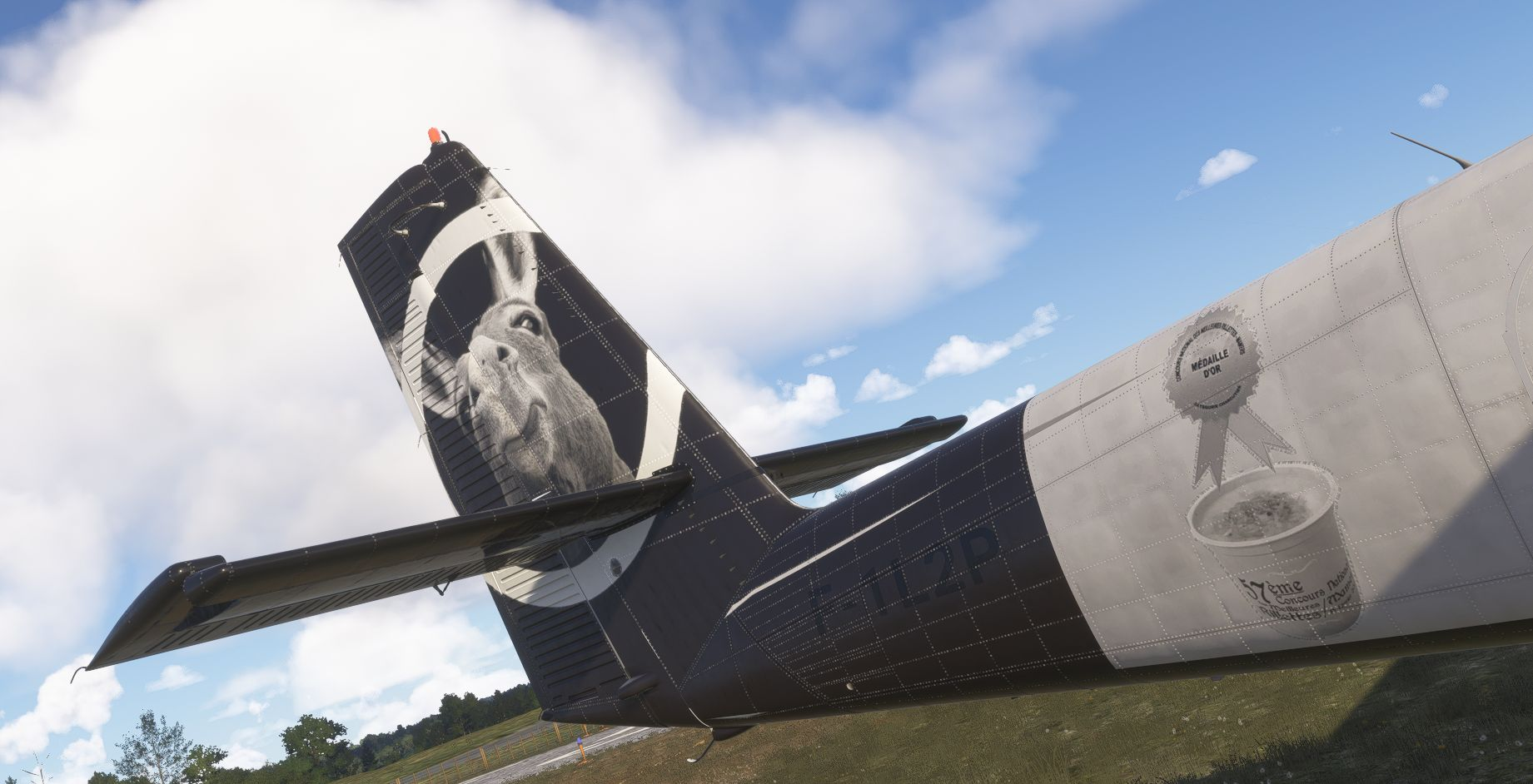
The Livery Workshop
Everyone can sync each others liveries - Always up to date.
The Livery Workshop is a full 3D paint studio built into Project Airports. Choose an aircraft, roll it into the hangar, and work directly on its real paintable surfaces. Hovering the model reveals individual panels, so a color change can stop cleanly at a door, tail, wing or engine.
This is not a screenshot generator. Your editable layer design is baked into the aircraft's real full-resolution texture set, validated, compiled as an MSFS package and published through the Project Airports network. Flyable aircraft appear in the simulator's aircraft and livery selector; scenery aircraft can wear the same custom paint around the airports you build.
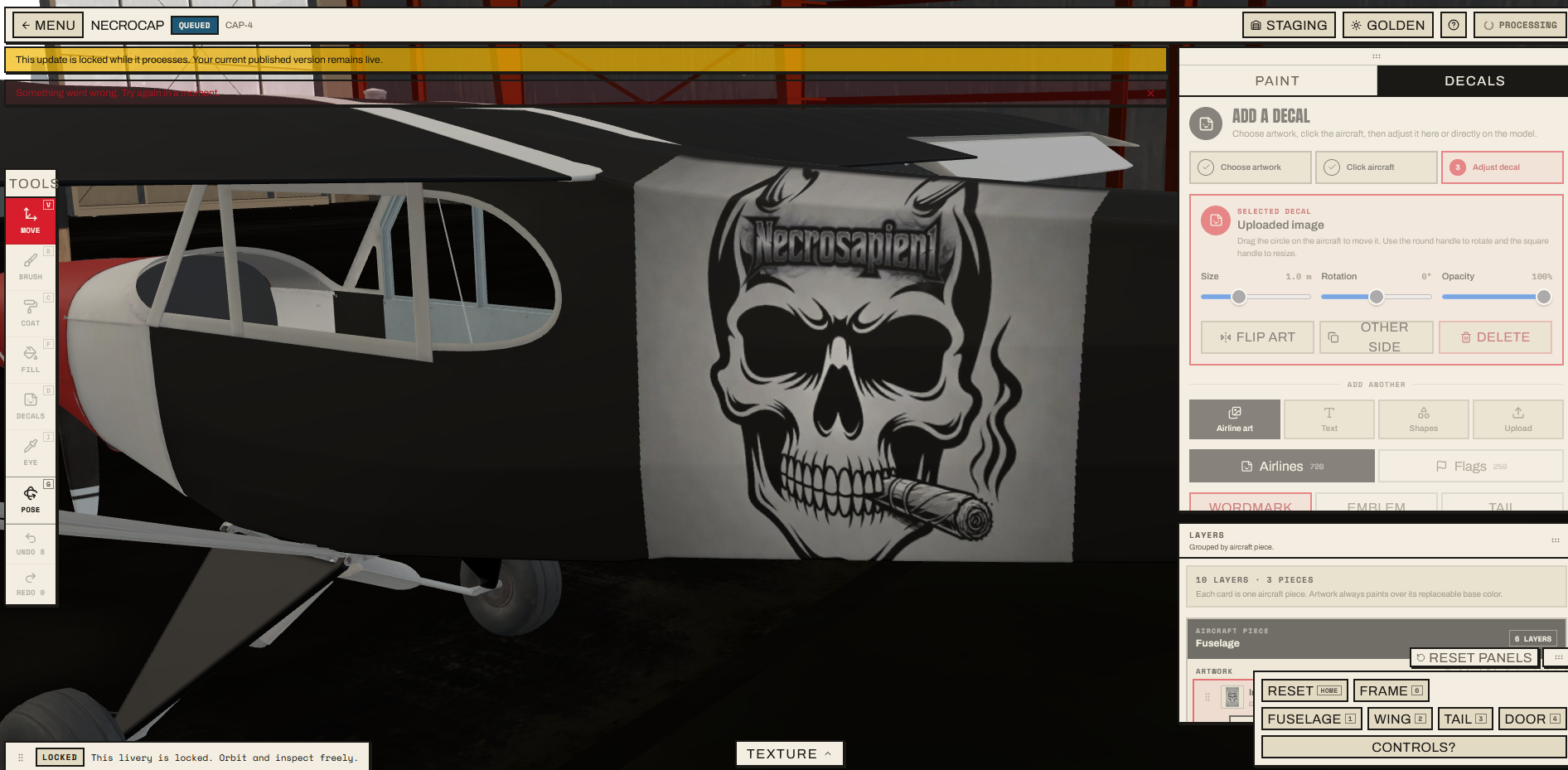
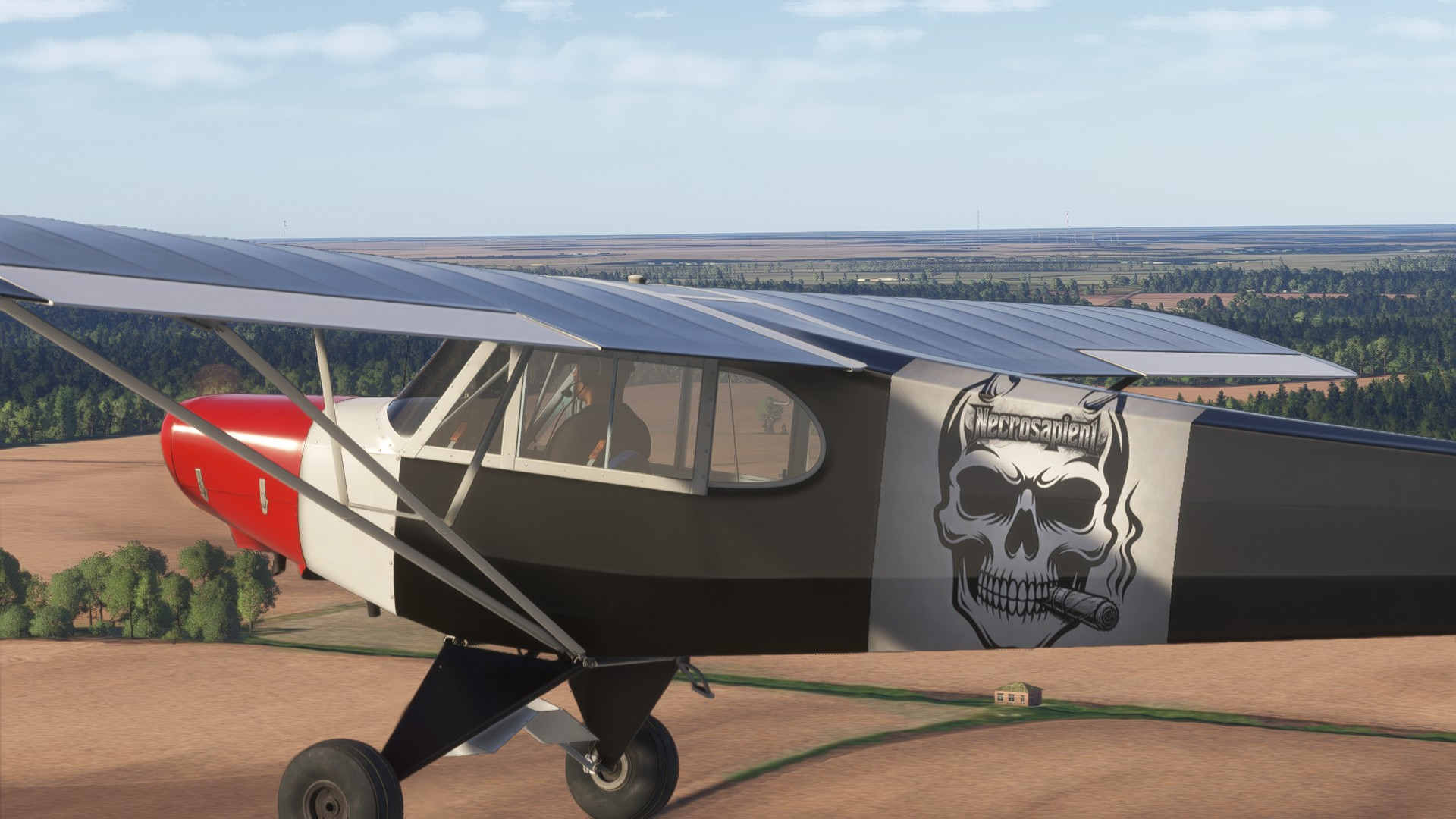
- Paint panels independently or use a freehand brush across the airframe.
- Build with reorderable layers, colors, opacity and non-destructive edits.
- Add logos, uploaded decals and detailed artwork, then move, scale, rotate and mirror them on the aircraft.
- Draw clean pinstripes, tapered sweeps and filled shapes that follow the 3D surface.
- Save automatically, submit from the same studio and follow the livery through validation, queue, build and publication.
- Revise a published livery in place while the current release stays live until its replacement is ready.
Ongoing Livery Workshop access will be a supporter feature for the next few months. The launch weekend is here so everyone can feel how much power is already in the studio. Non-supporters get one free livery save slot through Monday at 2:00 p.m. MST: delete the draft if you want to start over on a different airframe before the window closes. Supporters keep ongoing access, ten livery slots, and the freedom to keep creating and revising after Monday.
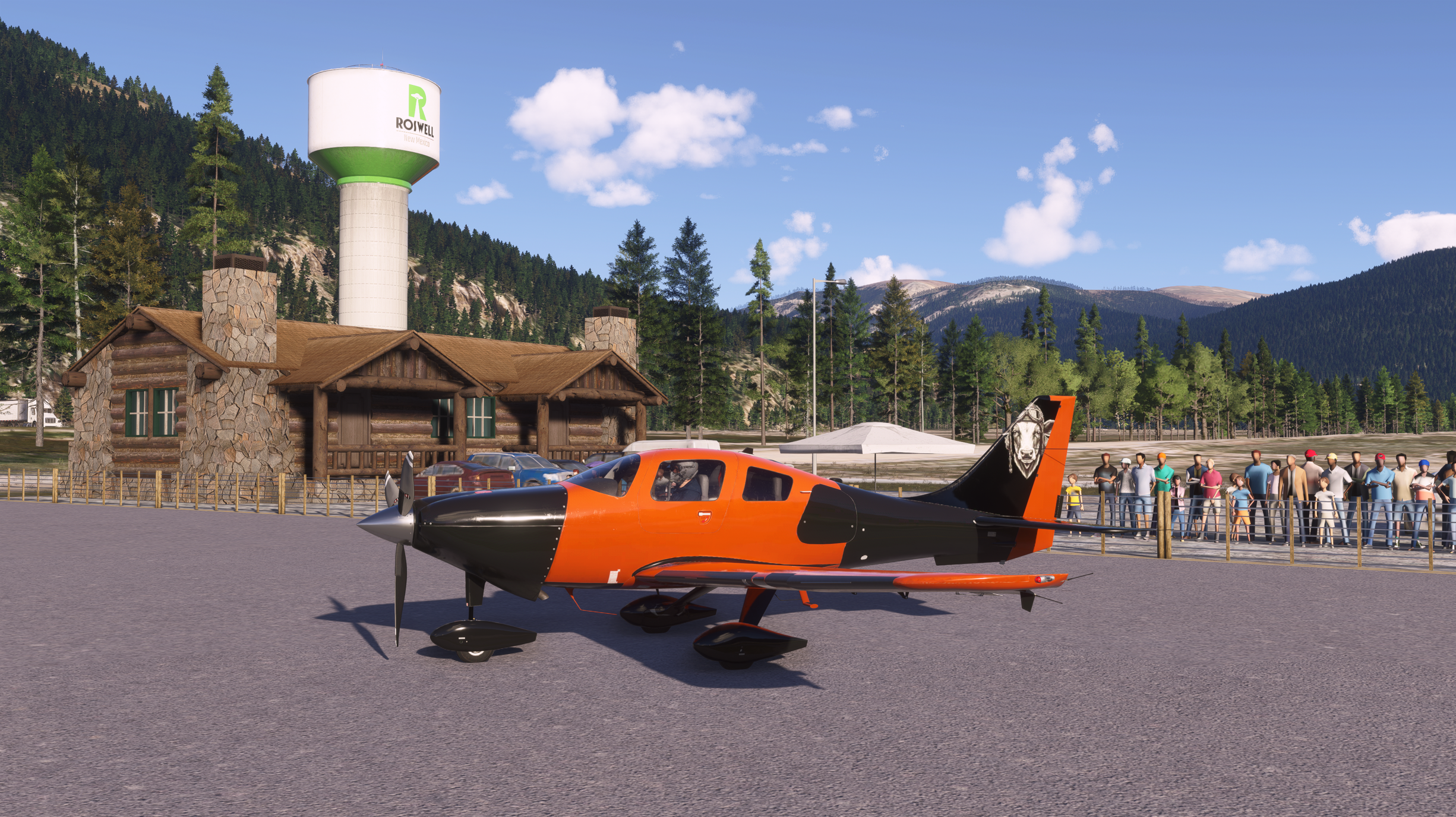
It's already been an absolute pleasure seeing the work and dedication our new community has put into their designs. It's humbling seeing the dedication you all have towards your dreams and I hope to support that as best as I can!
Please stop by the Discord, would love to hear your thoughts and see your screenshots.
Cheers,
Justice McCracken | Creator of Project Airports