

ESYY
Ystad Airport
Shared by Swedee
101 visits
Pick an open spot, lay out a runway in your browser, and turn it into a place your friends can fly in MSFS 2024. Or skip the building and explore what the community has made. The free Windows app keeps those airports in your sim.
Free to build and fly · No subscription
Optional one-time Supporter perks from $25. Compare what's included
Live · follow the community
A community airport in the browser preview. See finished fields in MSFS 2024
Build an airport. Share it. Fly somewhere new.
Fly community airports in MSFS 2024 with the free Windows app.
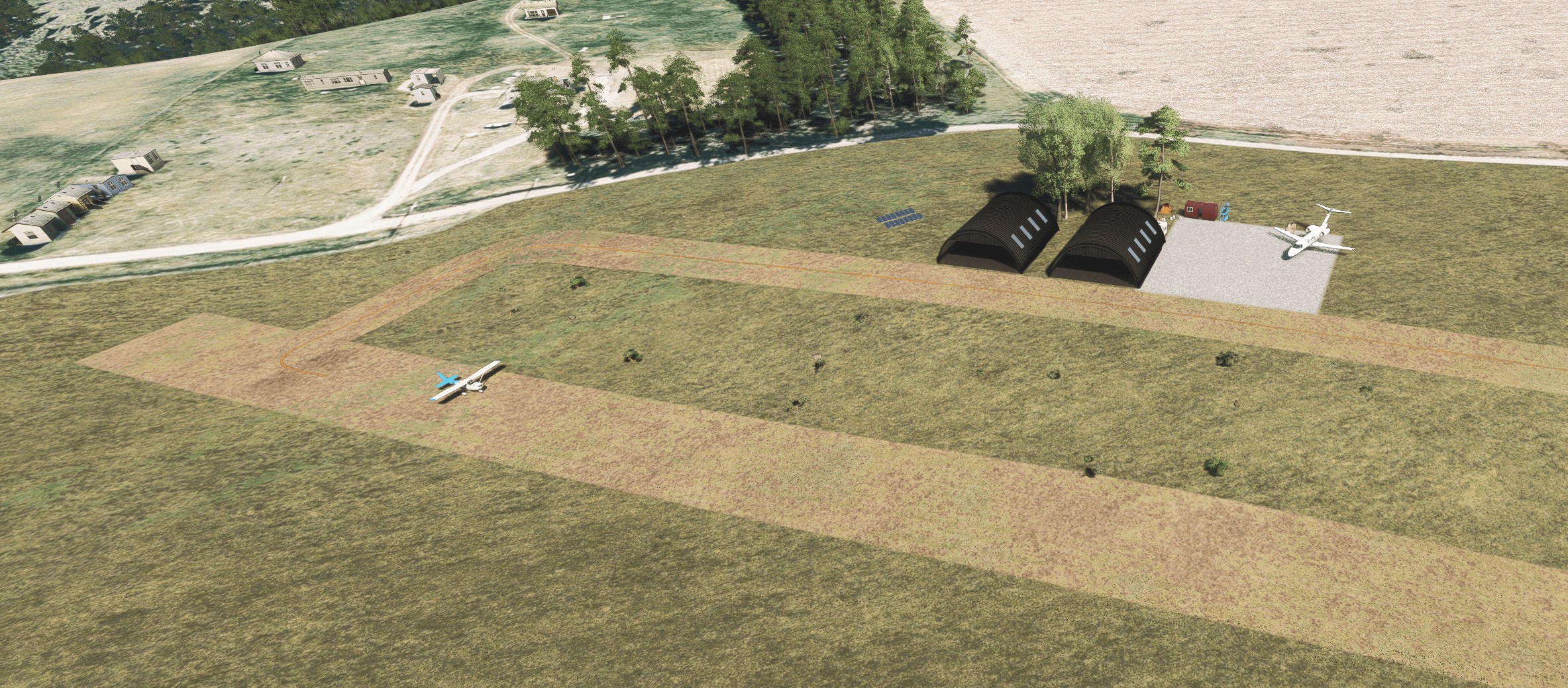
Real MSFS 2024 screenshots. Same camera, time of day and High graphics settings, with and without Project Airports scenery.
Share your airport. Find your next stop.
Join DiscordClaim a real-world spot, design it in your browser, and we compile and ship it into MSFS 2024 - no SDK, no DevMode, no command line needed.
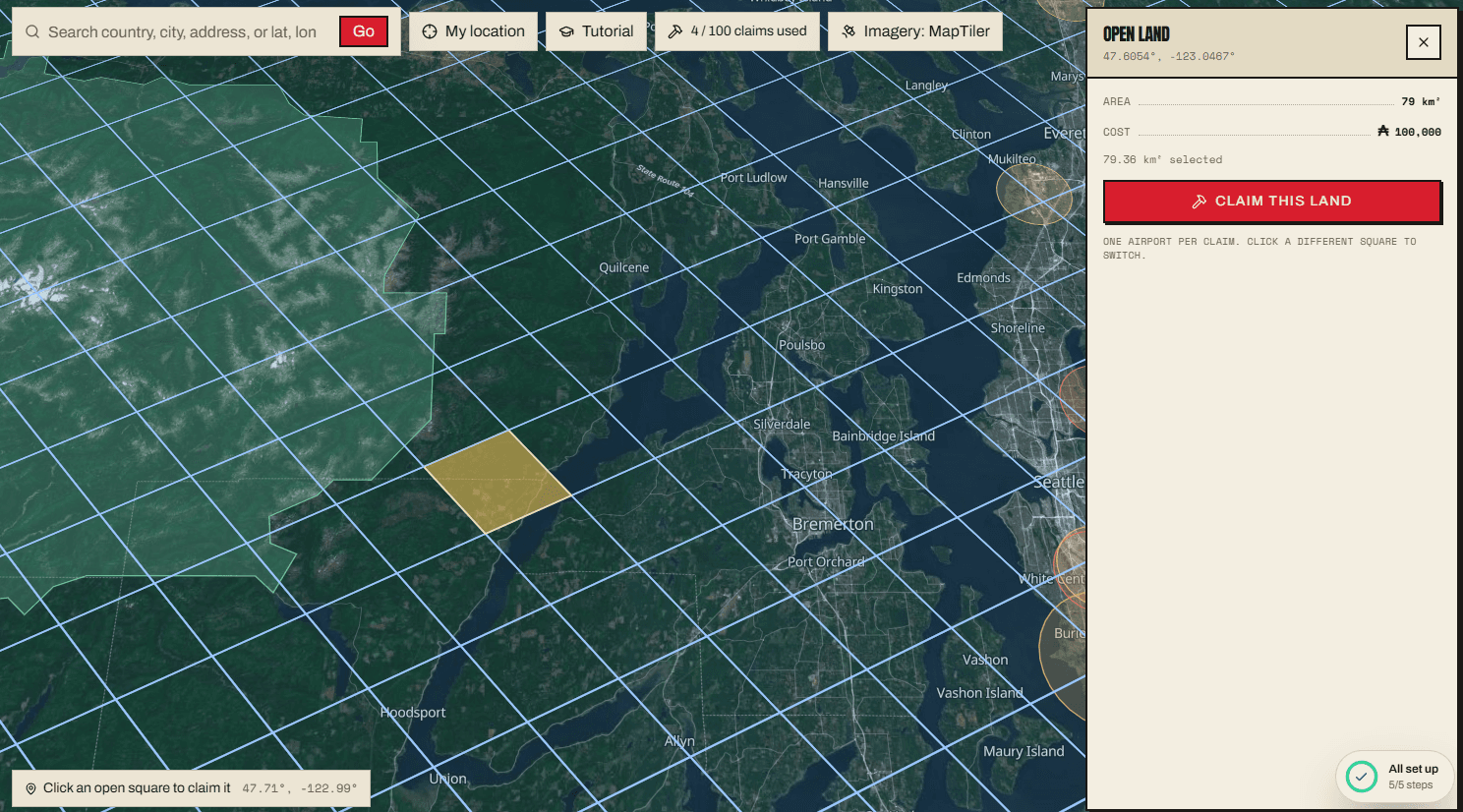
Choose available land on the satellite map. Your first claim is free; additional plots cost in-game Aeros.
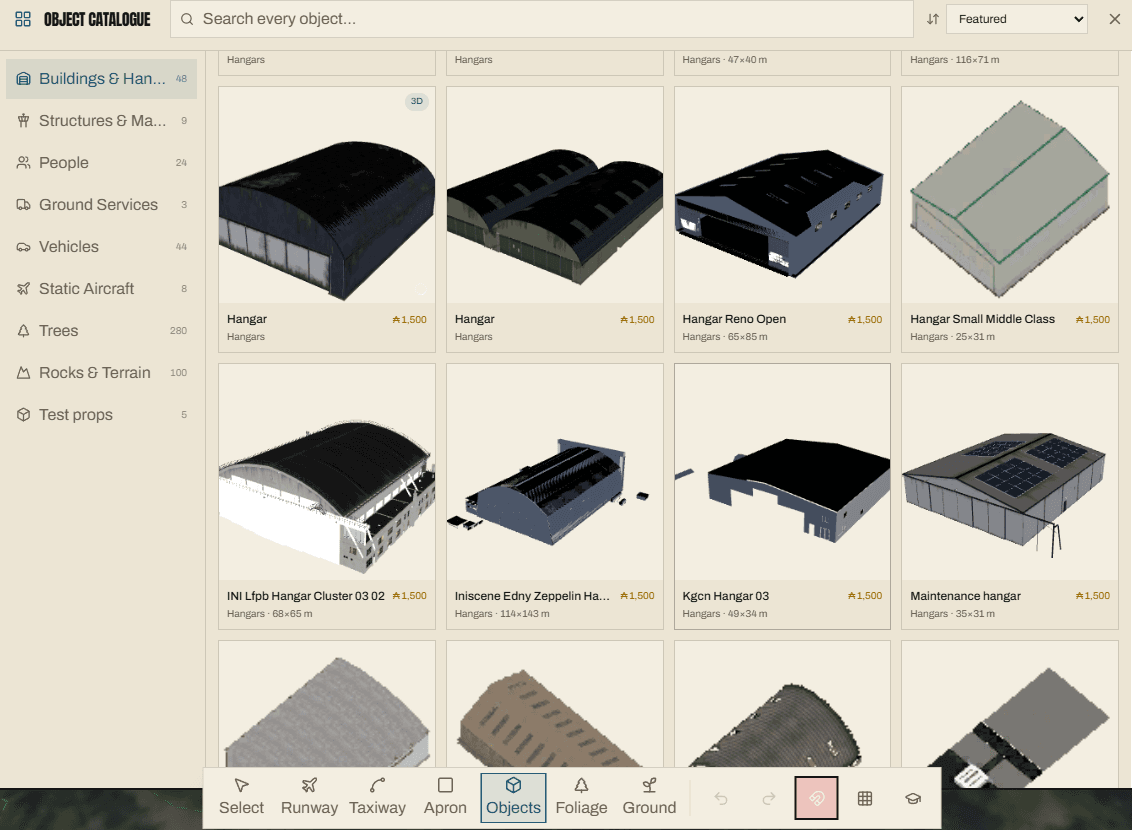
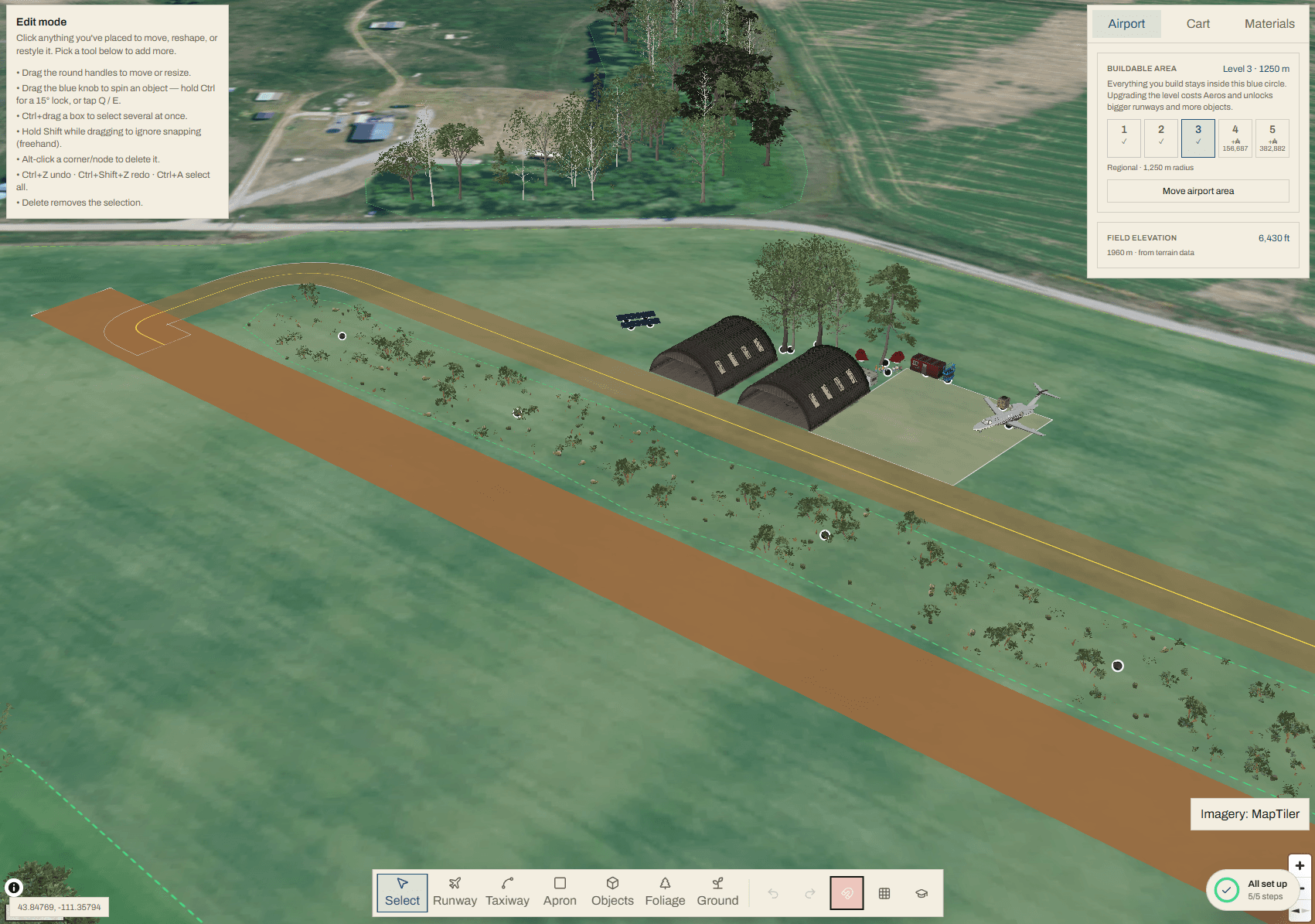
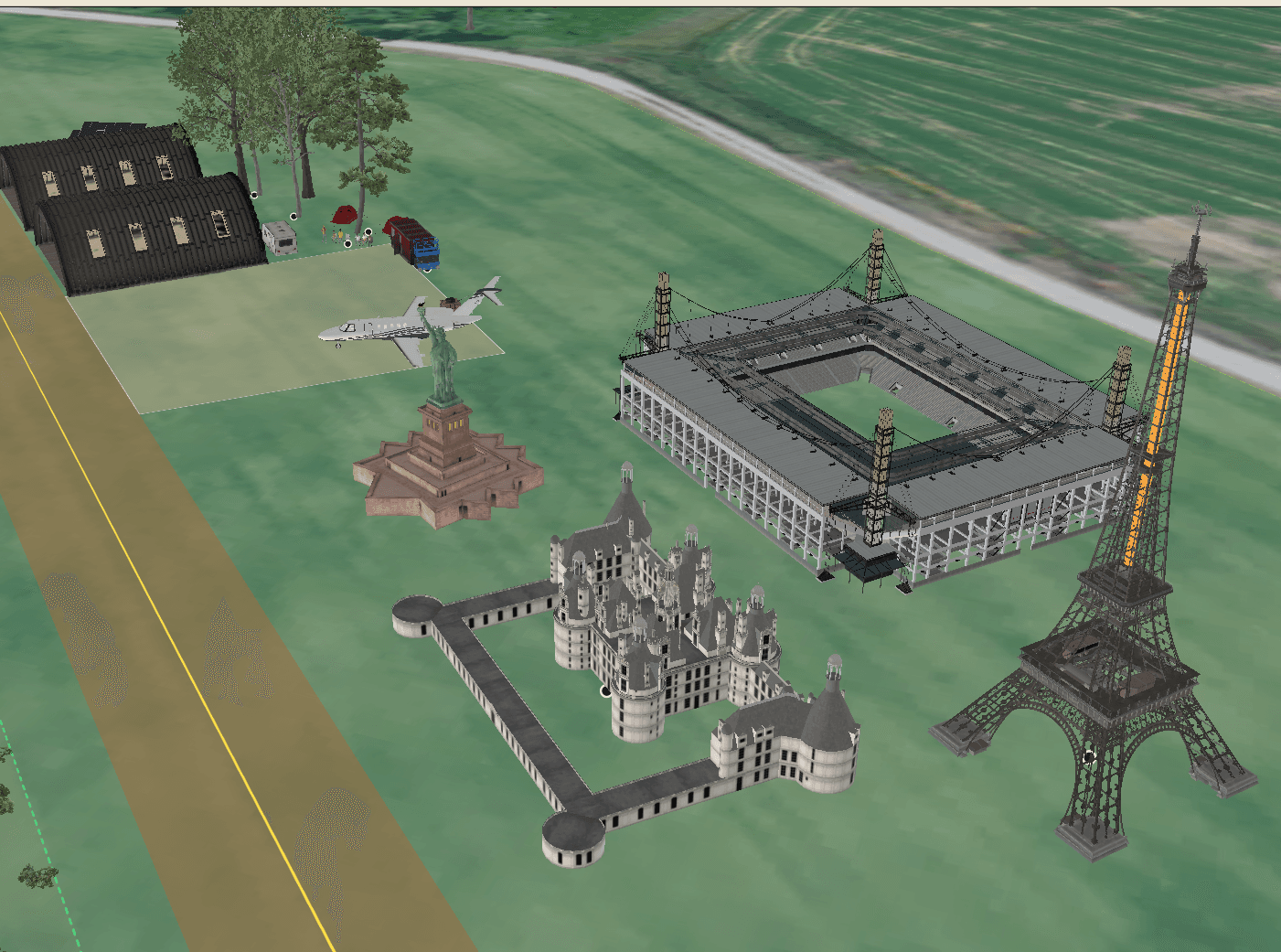
Lay out runways and taxiways, place objects from the catalog, paint foliage, and fine-tune your field's bounds.
Publish your design and we turn it into scenery for MSFS 2024, ready for you and the community to fly.
Install the free client, pick your regions, and it syncs those airports into MSFS 2024 - find them in Free Flight search like any other airport.
Draw your strip on a satellite map. Add taxiways, parking, lights, and the buildings that make it yours. When you're ready, publish it for other pilots to find and fly in MSFS 2024.
Start buildingFly with the companion app running and you'll earn Aerosto spend on your field. Visiting other builders' airports earns more. You can keep building without buying currency.
There are no repeatable currency top-ups. The optional $25+ Supporter package includes a one-time 25,000 Aeros grant.
New builders start with 15,000 Aeros and a free Advanced building - plus more for every milestone
Not a career app
There are plenty of great career and economy add-ons out there - we're not here to replace them. Aeros sits alongside whatever you already fly with. Earn here, build here.
Bank Aeros for every minute aloft - to and from any airport in the world, not just your own.
Supported ATC, charts, career add-ons and hardware can increase your earning rate. Flying with the free companion app is enough to earn Aeros on its own.
Every pilot who comes to see your field pays you visit income - more as your field's investment grows. Go see theirs: the first ten player-built fields you visit each day pay you a bonus.
The free companion app tracks your flying and syncs your airports in the background. Earn and build without lifting a finger.
I still handle the airport builds myself. If you want to help me add capacity, you can chip in once. Building and flying stay free; $25 or more unlocks the perks below.
| Included | Free$0 | Supporter$25+ once |
|---|---|---|
| Build, share & fly airports | Included | Included |
| Earn Aeros by flying | Included | Included |
| Welcome Aeros + free Advanced building | 15,000 + 1 | 15,000 + 1 |
| Supporter Aeros grant | — | 25,000 once |
| Object slots | Standard | Double |
| Build queue | Standard | Priority |
| Liveries to fly | Your own | Community network |
Contributions below $25 receive the Discord Supporter role; the account and in-sim perks start at $25. View all perks
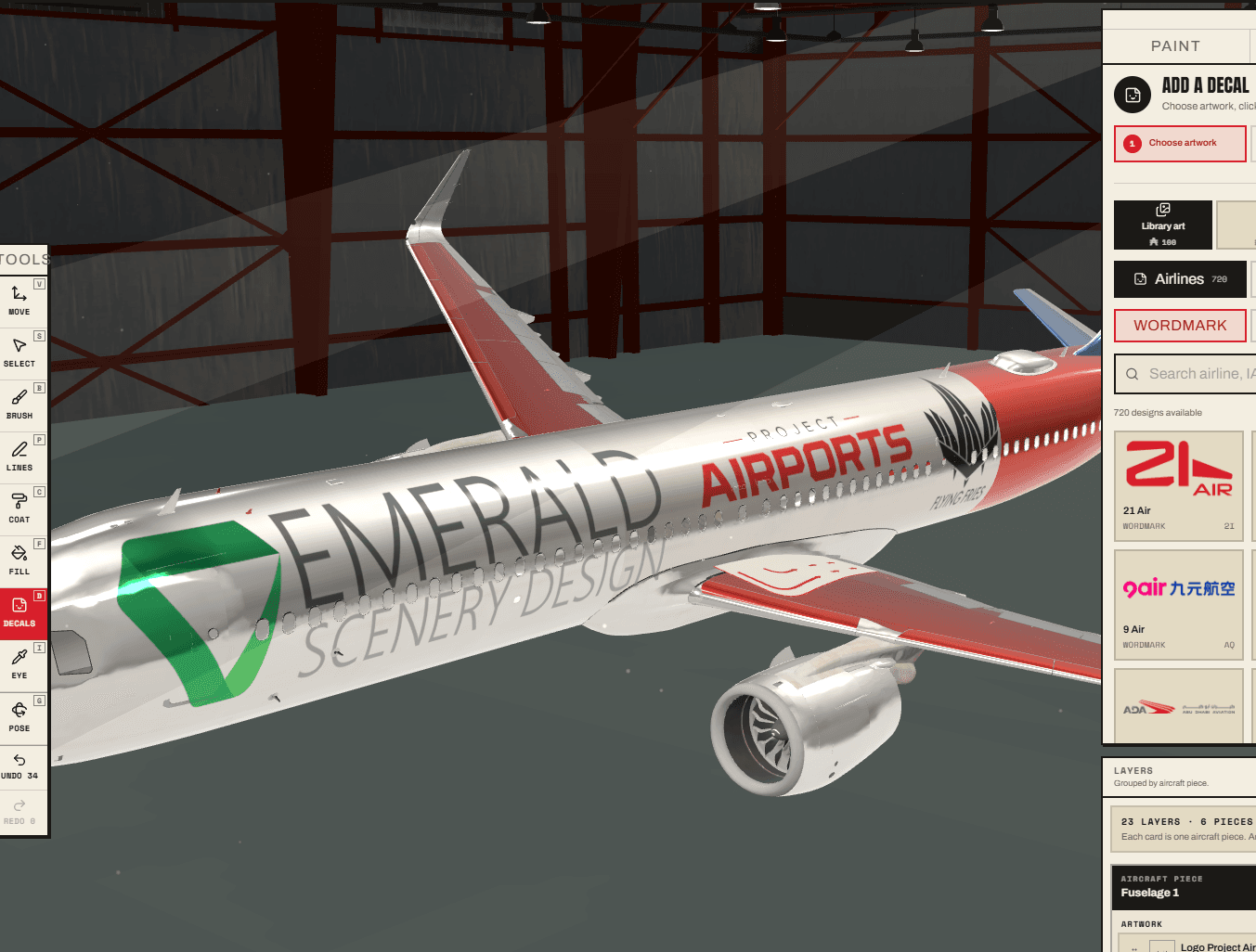

Plus more as the project grows
Your support helps add build capacity and keep the project running. Meet the creator and see what's next
New airports, shared destinations, and room to make something your own. Here's what to expect before you start.
The current builder creates new airports on available land. A separate utility for editing existing airports is in development. Compatibility with payware scenery and specific editing features will be confirmed as that work is tested.
You can join just to fly. Browse the community airports, install the free companion app, and choose the regions you want to sync. You can visit those airports in MSFS 2024 without creating your own.
Flying with the free companion app running earns Aeros on its own. Supported third-party tools can increase your earning rate, but you do not need them to earn currency or build an airport.
Flying Project Airports scenery requires Microsoft Flight Simulator 2024 on Windows and our free companion app. The builder runs in your browser. MSFS 2020 and Xbox are not supported.
The tower radar and arrival/departure boards currently show Project Airports traffic. Support for other ATC services and local simulator traffic is planned; those integrations are not available yet.
Live community feed
Latest airports shared on Discord. Updated every minute.
ESYY
Shared by Swedee

KLGM
Shared by Delta 50BD

KAOS
Shared by Cmdr McSlash

KVAF
Shared by Viper

EFOG
Shared by wombleway

BONG
Shared by davesterp51
Share your airport. Find your next stop.
Join Discord
24 new walkable, furnished buildings are now available for your airport: glass FBOs, classic FBOs, terminals and clubhouses. Every door…
Read

We just shipped the biggest change to Project Airports since launch. Whether you're brand new, you've been building for months, or you…
Read

You taxi up to your hangar in MSFS 2024 and the door is painted on. We fixed that.
Read

It's been an incredible journey over the last 2.5 months. A huge thanks to every single one of you for sticking around. Finally got around…
Read

Some of the best parts of an airport are the things you notice after you land: a cabin beside the strip, a well-used tool chest, a camper…
Read
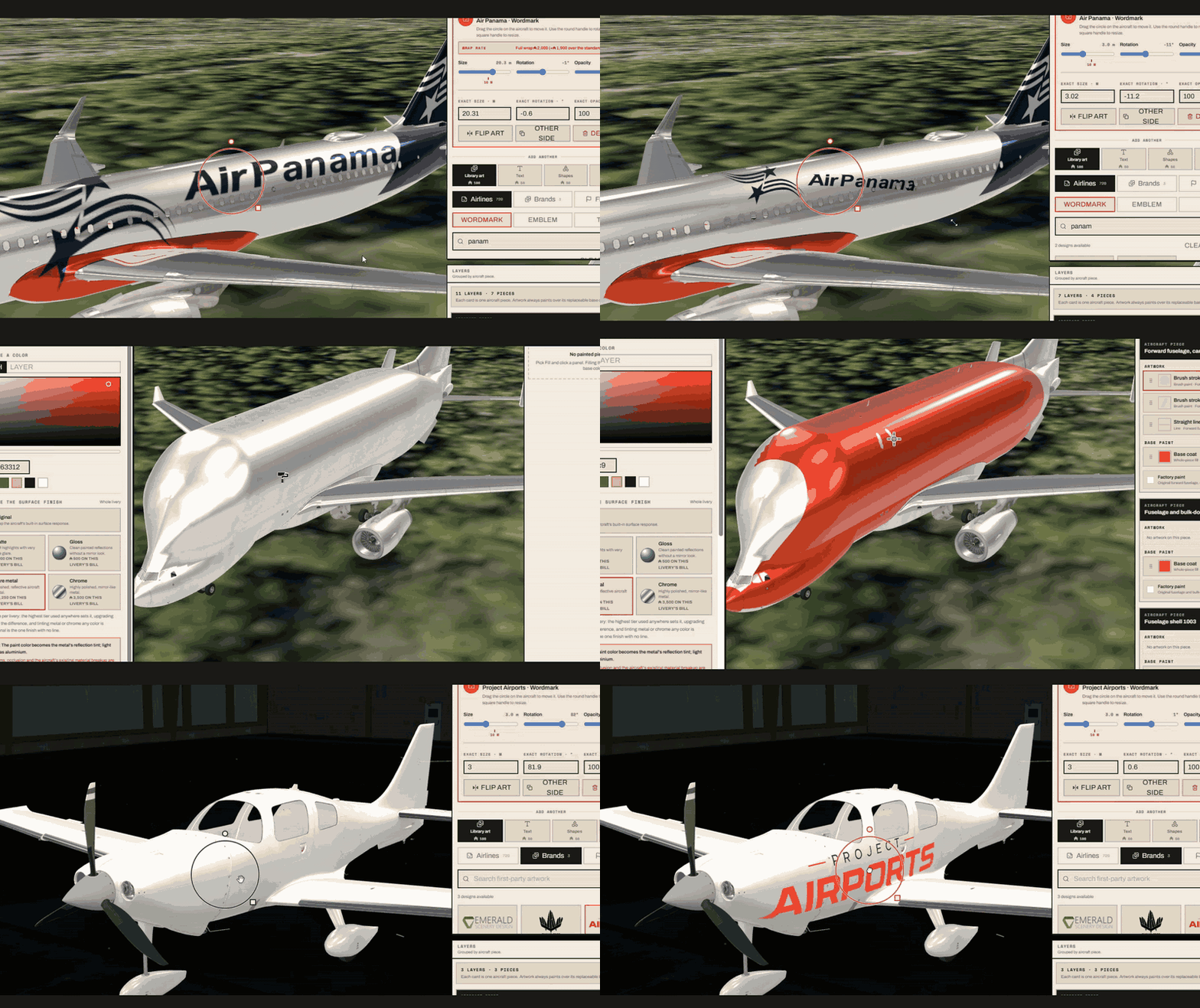
It's been down for a couple weeks while I tore into the parts that made it feel heavy, slow, and stuttery. We also needed to work it into…
Read