
Fly community airports in MSFS 2024.
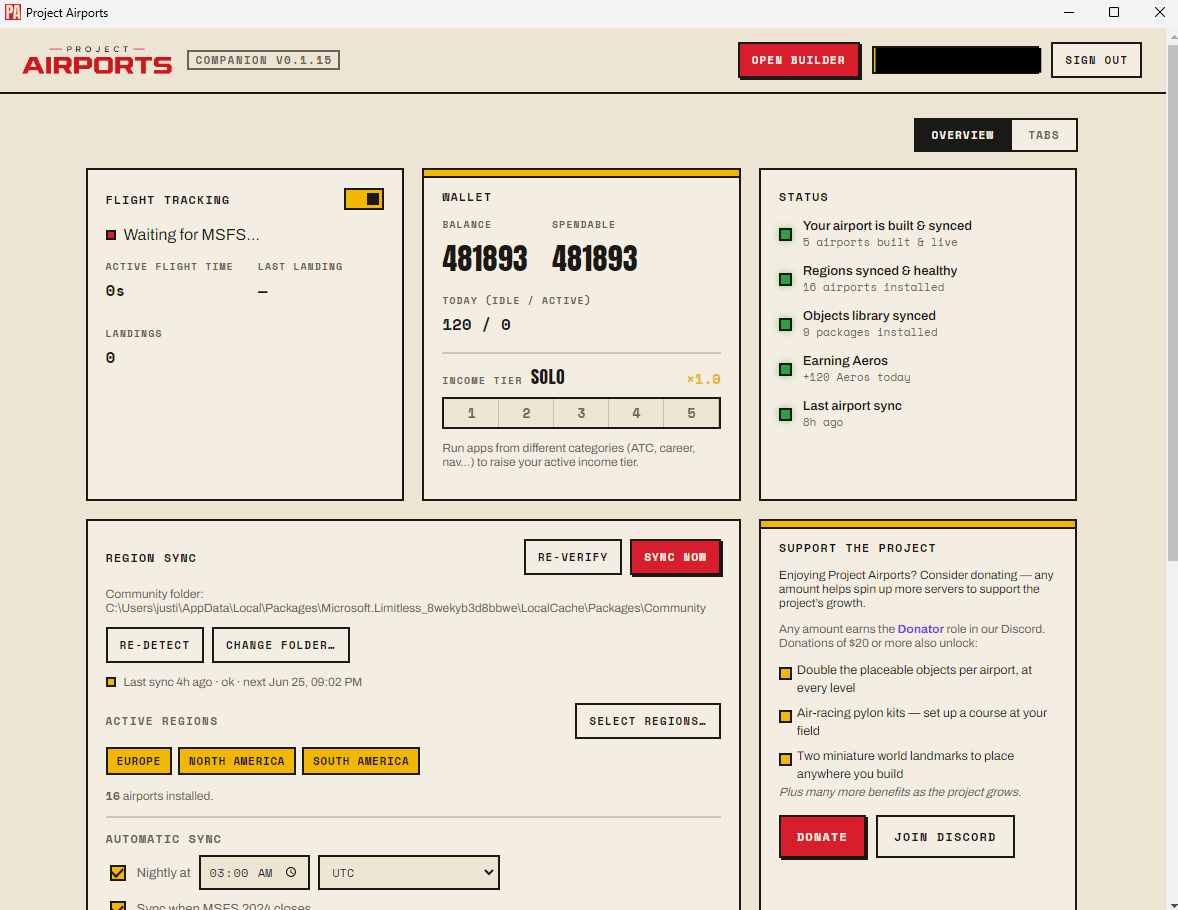
Choose your regions once. The free Windows app installs the airports you build and the ones the community publishes, then updates them while the sim is closed.
v1.3.30 · 64-bit
- Auto-installs your airports
- Syncs while the sim is closed
- Earns Aeros while it runs
- Pick the regions you want
- 01
Download & install
Run the installer. Windows may show a SmartScreen prompt the first time - choose “More info → Run anyway”. The app is unsigned during the beta; that's expected.
- 02
Sign in
Open the app and sign in with the same account you use here. It links this device to your account so your airports are available.
- 03
Pick your regions
Choose which parts of the world you want airports for. The app downloads published airports for those regions.
- 04
Fly
The app installs airports into MSFS 2024 and keeps them updated - syncing only while the sim is closed, so it never interrupts a flight.
Haven't built an airport yet?
You can fly community airports right away - or build your own first.