
Terminals are live
Terminals are live in Project Airports
Watch on YouTubeBuild an airport terminal in your browser. Fly to it in MSFS 2024. Terminals are now open to every Project Airports builder.
Draw a hall, add gates and an entrance, pick a style. The interior furnishes itself, and the desktop app brings the whole thing into the sim. Here is what that looks like.
Blank field to terminal in about a minute
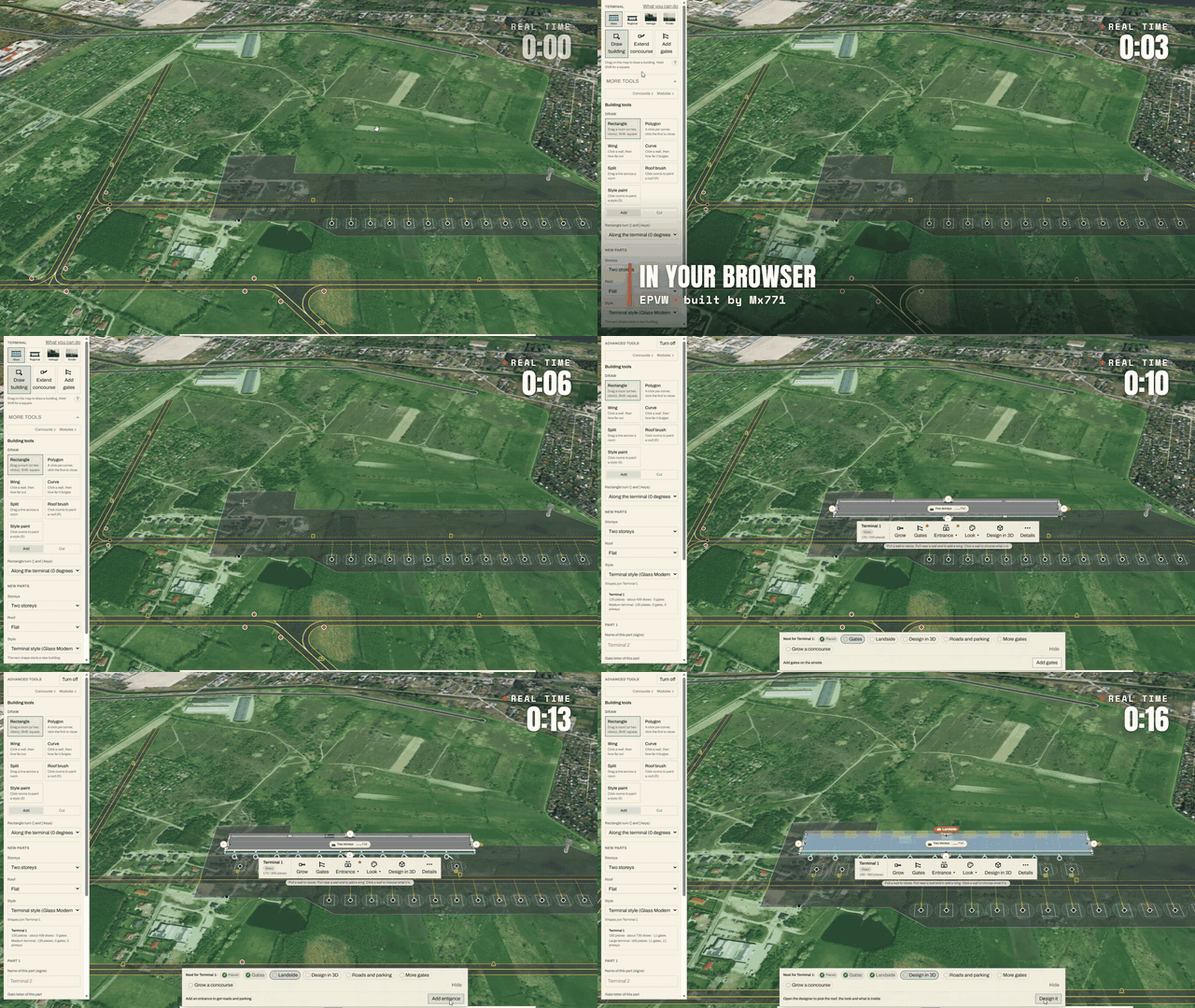
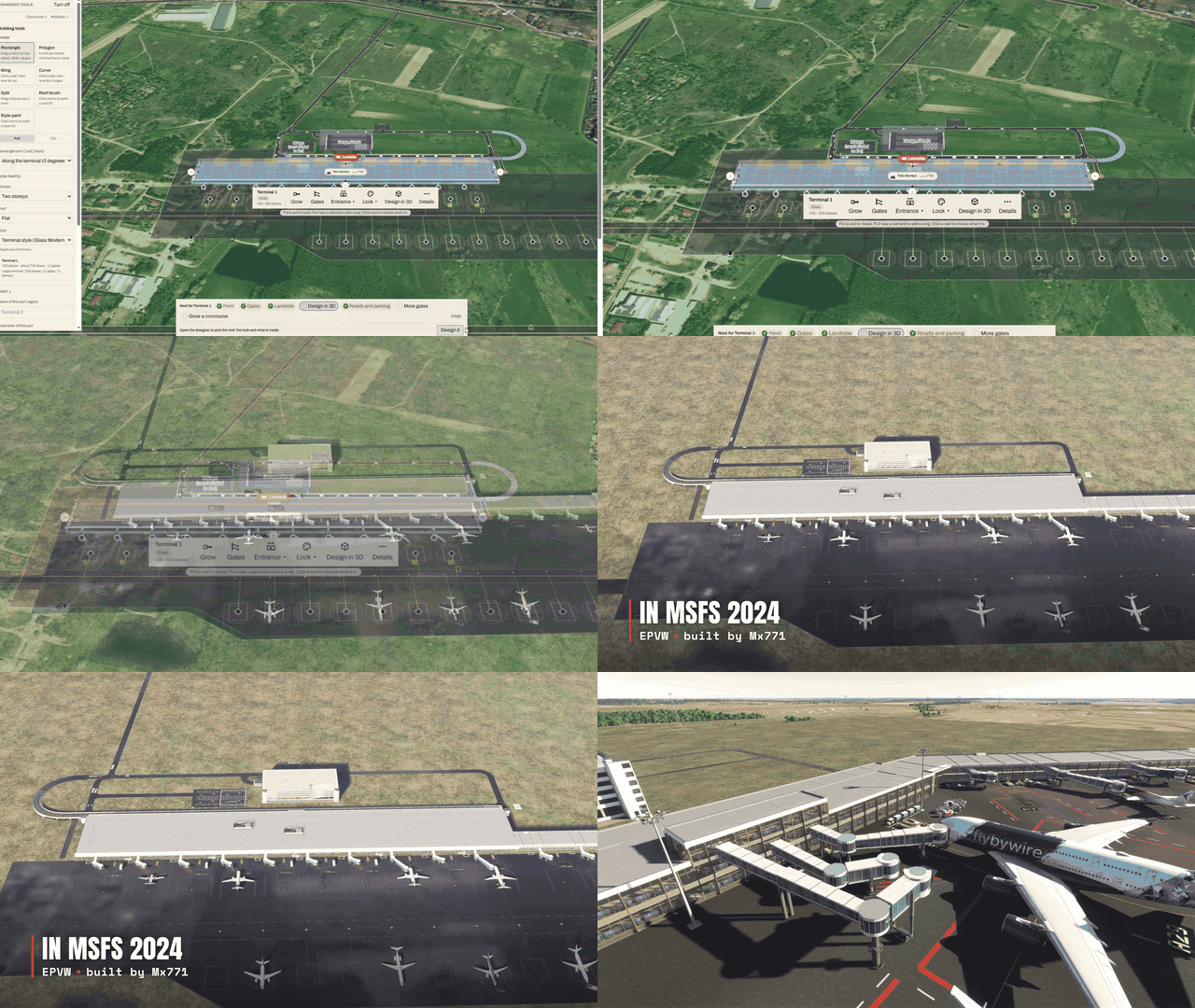
Then fly to it
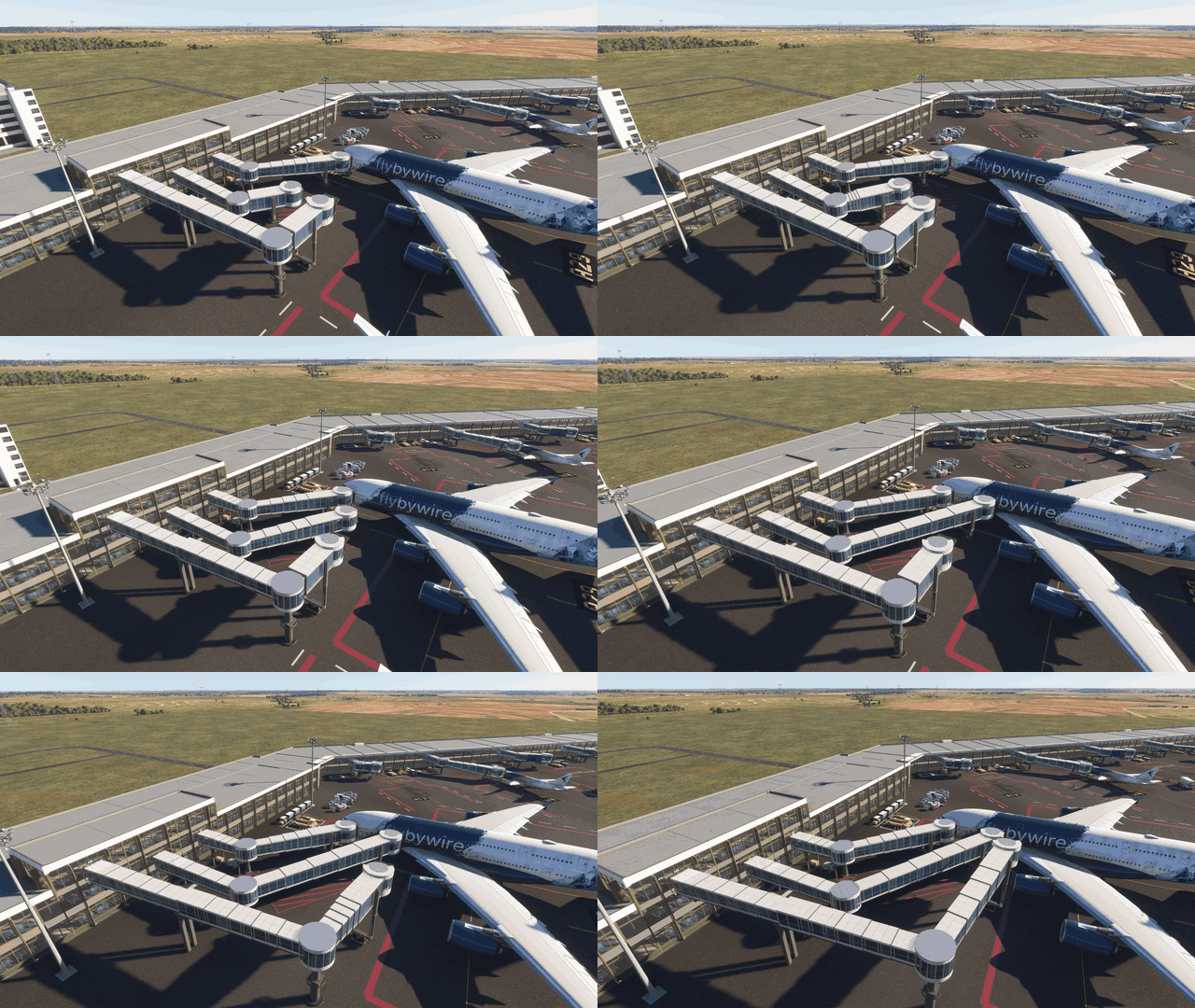
Jet bridges that dock, all the way up to the A380
Bridges extend and dock at the door. Heavy gates take widebodies, and Extra large gates bring three bridges, one to the A380 upper deck.
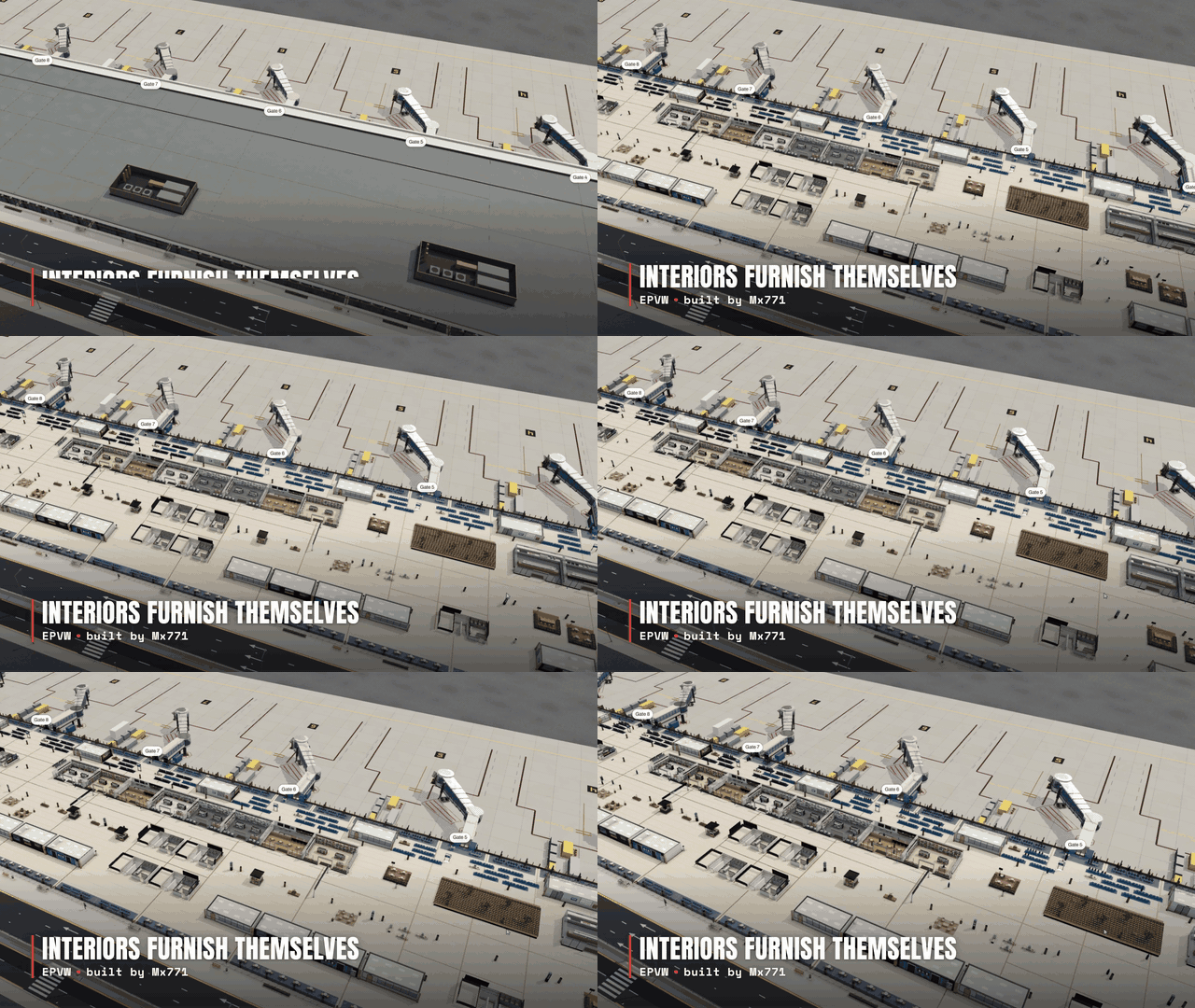
Interiors furnish themselves
Shops, lounges, food courts, gate seating and travellers fill the hall on their own. No decorating needed. Park at the gate and walk inside.
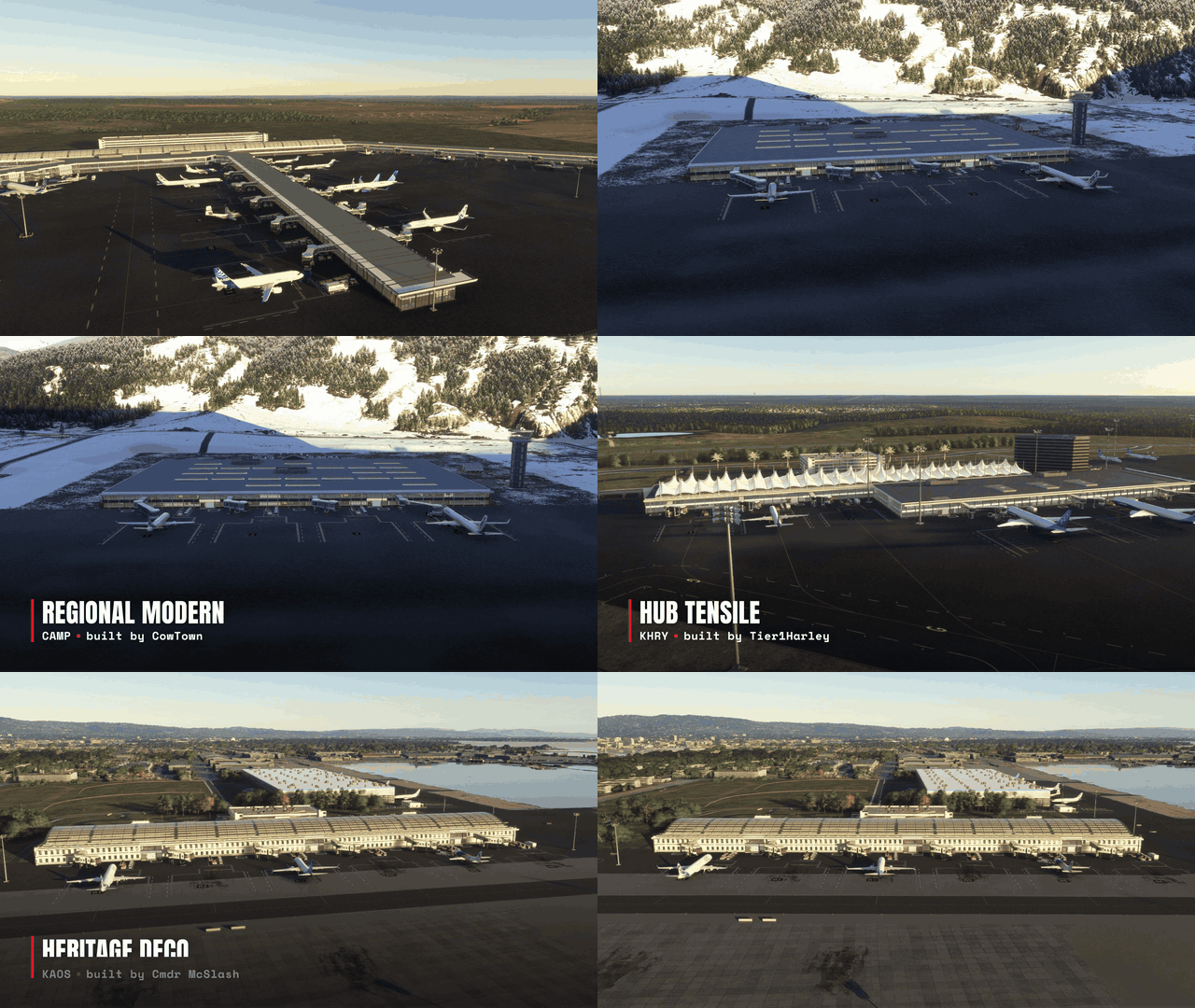
Four styles, one click each
Glass Modern, Regional Modern, Hub Tensile and Heritage Deco. Glass and Regional are free for everyone, with every terminal feature included.
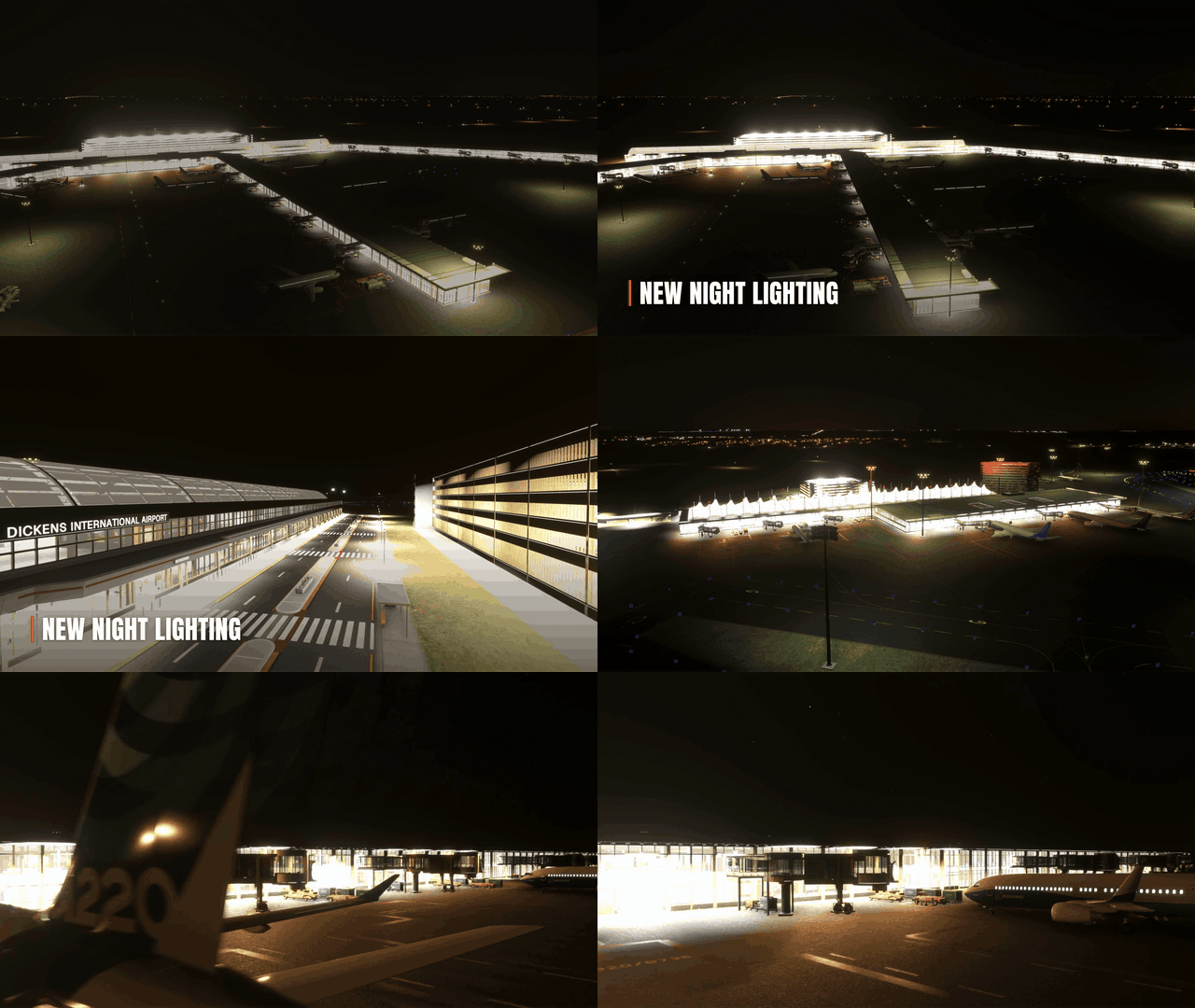
And they glow at night
Built by the community
Every terminal in the video was built by a Project Airports player. Fly over and say thanks:
- KDKS by Taino
- EPVW by Mx771
- KHRY by Tier1Harley
- KAOS by Cmdr McSlash
- CAMP by CowTown
- 7NSX by Franklin71
- SAV1 by SAVCOM
Free to build. Wings are optional.
Terminals are built with Aeros, the currency you earn by flying, exploring and running your airport. Aeros are earned, never sold, and community creator and MSFS library assets stay Aeros-only.
Wings are our optional premium currency, and the way to support Project Airports. They unlock the Hub Tensile and Heritage Deco style packs (buy once, use at every airport you own) and our own in-house PA buildings. At Publish they can also pay for a terminal or a PA building instead of Aeros, without using object slots. Every purchase funds more custom buildings and more terminal styles.
You can preview any style on your own terminal in the 3D designer before buying, and Wings never expire. Through November, every Wings pack comes with triple bonus Wings. See what Wings unlock
How to start
- Open projectairports.com and claim an airport.
- Open it in the builder and choose the Terminal tool.
- Draw your terminal, then add gates and an entrance.
- Pick a style and publish. The desktop app brings it into MSFS 2024.
Questions, ideas, or a terminal you want people to visit? Come and say hi in our Discord!
- Justice McCracken, Creator of Project Airports