
The Claim Map6 min read
Claiming land
A claim is a single cell of the world - yours to build one airport on. Your first is free, land is deliberately scarce after that, and letting a claim go is always possible (with rules worth knowing before you do).
How claims work
- One claim covers exactly one cell, and one cell hosts exactly one airport.
- Price is the governor, not a hard cap: every claim after the free first one costs more than the last, so most builders hold a few and make them count.
| Claim | Price |
|---|---|
| 1st | Free |
| 2nd | Ⓐ25,000 |
| 3rd | Ⓐ50,000 |
Each paid claim costs 25,000 × its paid-claim index.
Making a claim
On the Claim Map, select an empty cell and press Claim this land. Some cells are rejected - protected areas can't be claimed, and neither can a cell someone already holds.
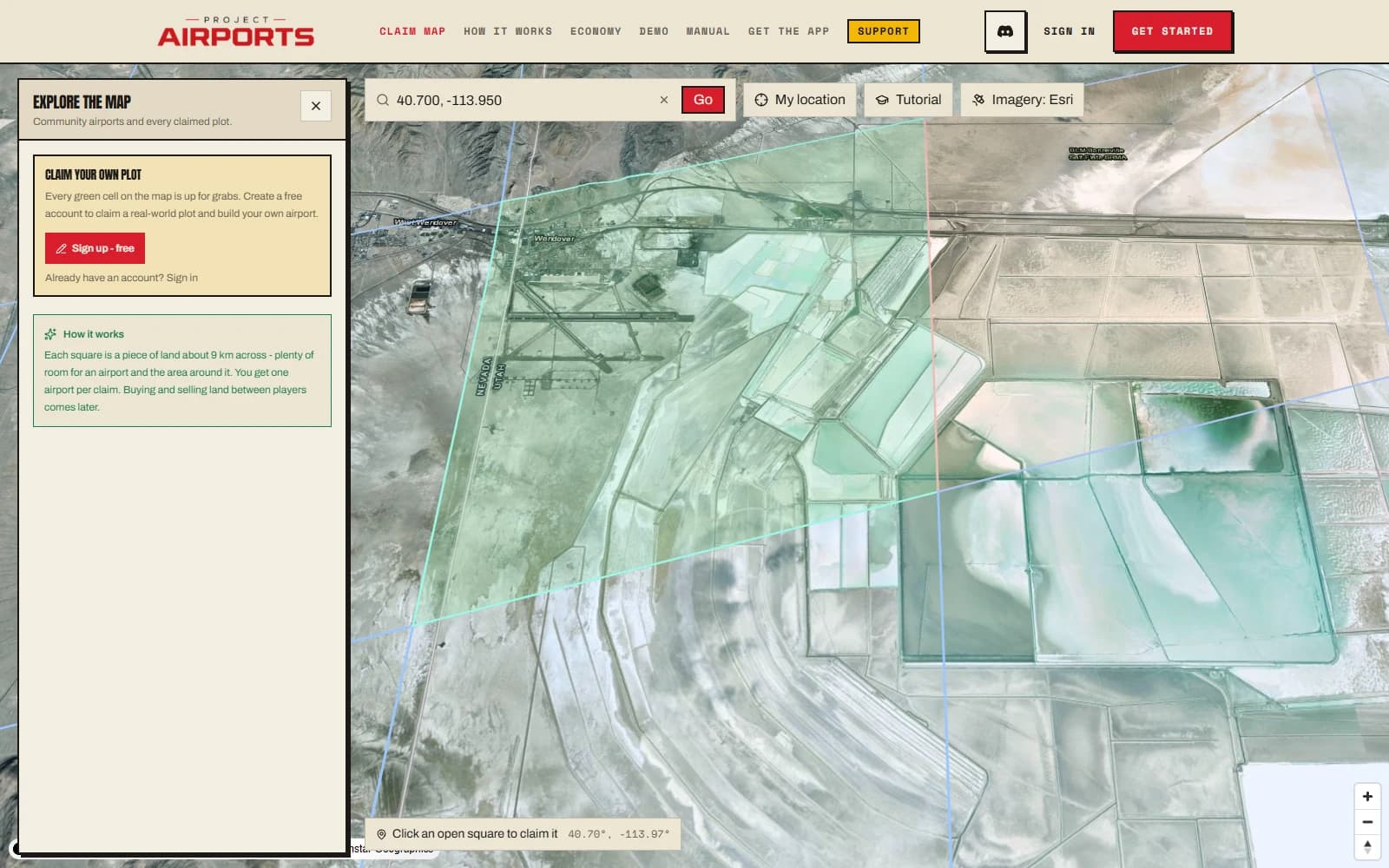
Where the airport can sit
Inside your claim, the airport lives within a circular buildable area that you position freely - anywhere in the cell, including right up against the edge. If you later grow the area to a higher level, the circle is pushed toward the middle of the claim automatically, so an upgrade always fits inside your land. Details in Buildable area & levels.
Releasing a claim
Releasing hands the cell back to the world - it becomes claimable by anyone. A confirmation modal previews exactly what you'll get back before anything happens:
- Within 24 hours of buying the claim, 100% of its land cost, remaining material value, and paid buildable-area upgrades are refunded, even after a build. Later, 40%of the remaining material value is refunded (see Spending & prices).
- After 24 hours, land and buildable-area upgrades are not refunded. Land is meant to feel scarce, and selling claims to other players arrives with the Auction House.
- Placed objects aren't lost: they return to your account pool for reuse elsewhere.
Choosing well
The best advice is the least technical: claim somewhere personally meaningful. A hometown, a lake you know, the coast you learned to fly over - you'll spend hours here, and it shows in the airports people love.
Terrain matters too. A runway spanning a big elevation change can trigger the two-airport split (explained in Saving & the cart), so flat-ish ground keeps things simple for a first field.