
Community & Account5 min read
Privacy & moderation
Airports here are shared with everyone's simulator, so two things matter: your identity stays private behind a callsign, and there are real guardrails for content that shouldn't be in other people's sims.
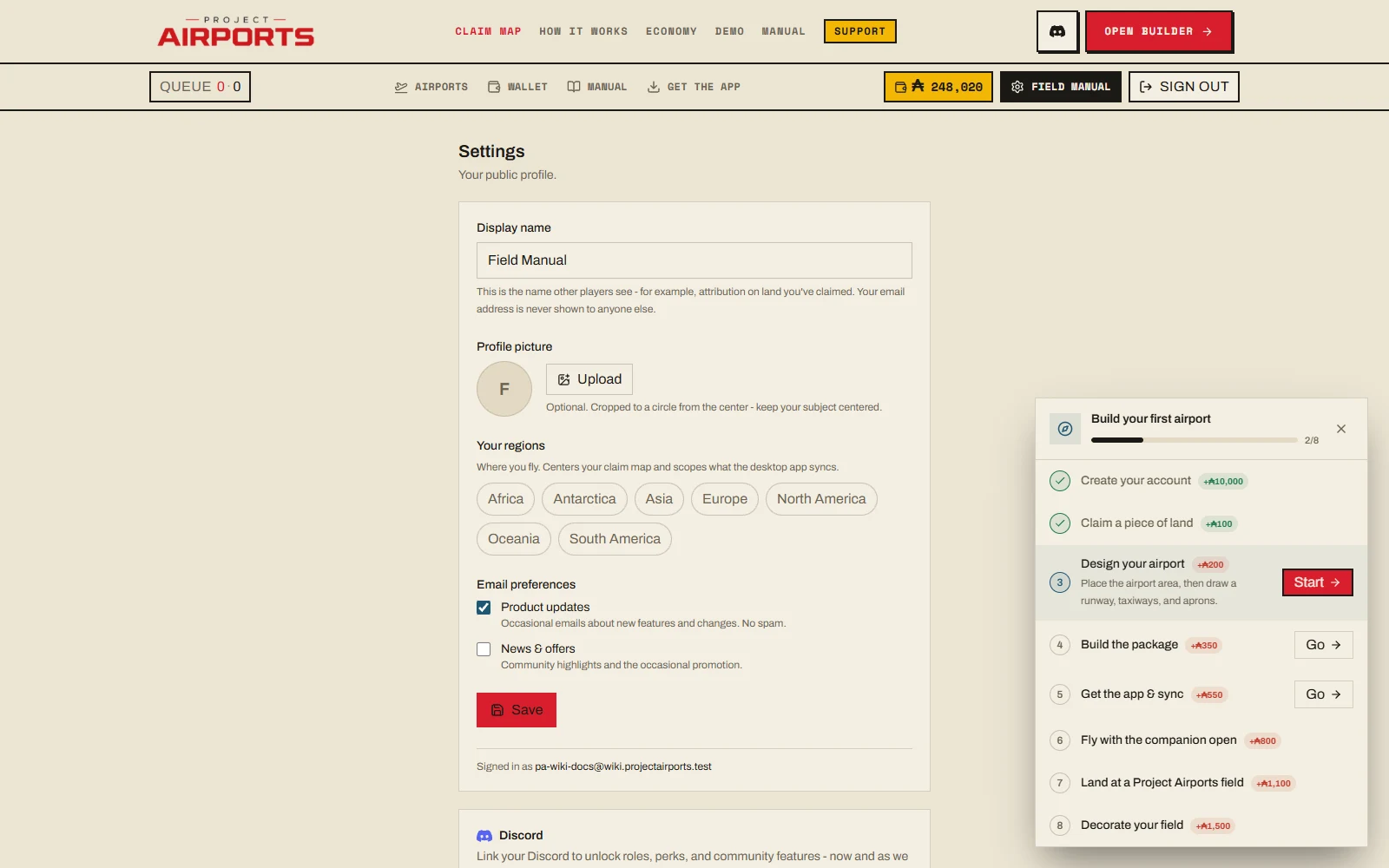
Your callsign is the boundary
Other players only ever see two things: your public callsign and your public creations. Your email and account details are never exposed - not on airport pages, not on the map, not in the sim. You pick the callsign at onboarding and can change it any time in Settings.
What the app shares
While you fly with the companion app, live trafficshares only coarse flight data - position, heading, speed, and aircraft type - tied to your callsign, and only while you're actually flying.
The app's "concurrent apps" detection is opt-inand allow-list-only: it recognises known flight-sim companion apps and reports nothing else about your PC. Why you'd opt in is covered in Earning Aeros.
Hiding & reporting
Because published airports install into everyone's sim, you get direct control over yours:
- Hideany airport you don't want in your sim, from its public page or its map card. Hidden airports are managed in Settings.
- Report content that breaks the rules, via the site or Discord.
What happens server-side
Content that many players hide is reviewed. Moderation acts server-side, so removed content leaves everyone'snext sync - it doesn't linger in anyone's Community folder. Bad actors lose publish rights.
Keep it PG
Data requests
For data requests, write to info@projectairports.com. The full policy lives at /privacy.