Flying & Syncing6 min read
Flying your airports
Once it's built and synced, your airport is a real MSFS airport - searchable on the world map, spawnable, and installed in other players' sims too. This page is about the payoff: flying it, watching visitors arrive, and the loop that funds the next expansion.
Your airport in the sim
Find your field on the sim's world map by its code, just like any stock airport - community fields carry a | PAtag on their name so they're easy to spot. You can spawn on a runway directly, or - if you've placed parking spots - cold-start from a stand, which is the proper way to arrive at your own airport.
Everyone else gets it too
Publishing isn't just for you. Everyone who runs the companion app with your region selected gets your published airport installed in their sim - your field becomes a destination for the whole community. And because flights with the app are shared as live positions, you can watch visitors arrive in real time on the Claim Map's live traffic layer.
Earning while you fly
All flight income requires the companion app to be running while you fly. With it open you collect:
- Idle and active income for time in the app and in the air.
- An explore bonus for visiting other people's published fields - Ⓐ100–300for each new one you see today, five a day, and you don't have to land.
- Visit income when other players come to your airport - Ⓐ20–320 per visitor. Your field earns for you while you sleep.
Flying and idling fill the daily cap; the explore bonus and visit income sit outside it entirely. Rates, multipliers, and the caps live in Earning Aeros.
The flight loop
The loop that pays best is also the one that's actually fun: pick a Project Airports field- one a player built and published, not a real-world airport - that you haven't been to today, fly there, get low over it, pick the next one. A visit counts the moment you're inside the field's boundary below 100 ft, so a low pass, a touch-and-go and a full-stop landing all pay the same - land if you want to look around, don't if you're chaining fields.
What matters is breadth. The first five different fields each day pay a rising bonus - Ⓐ100, Ⓐ150, Ⓐ200, Ⓐ250, Ⓐ300, so Ⓐ1,000 for the full tour - and none of it counts against your daily cap. Circuits at your home field pay flight income but never a second bonus, so five new fields beats five laps every time.
The companion app's Flight tab keeps the score: session time, last landing, and your landing count.
Finding places to fly
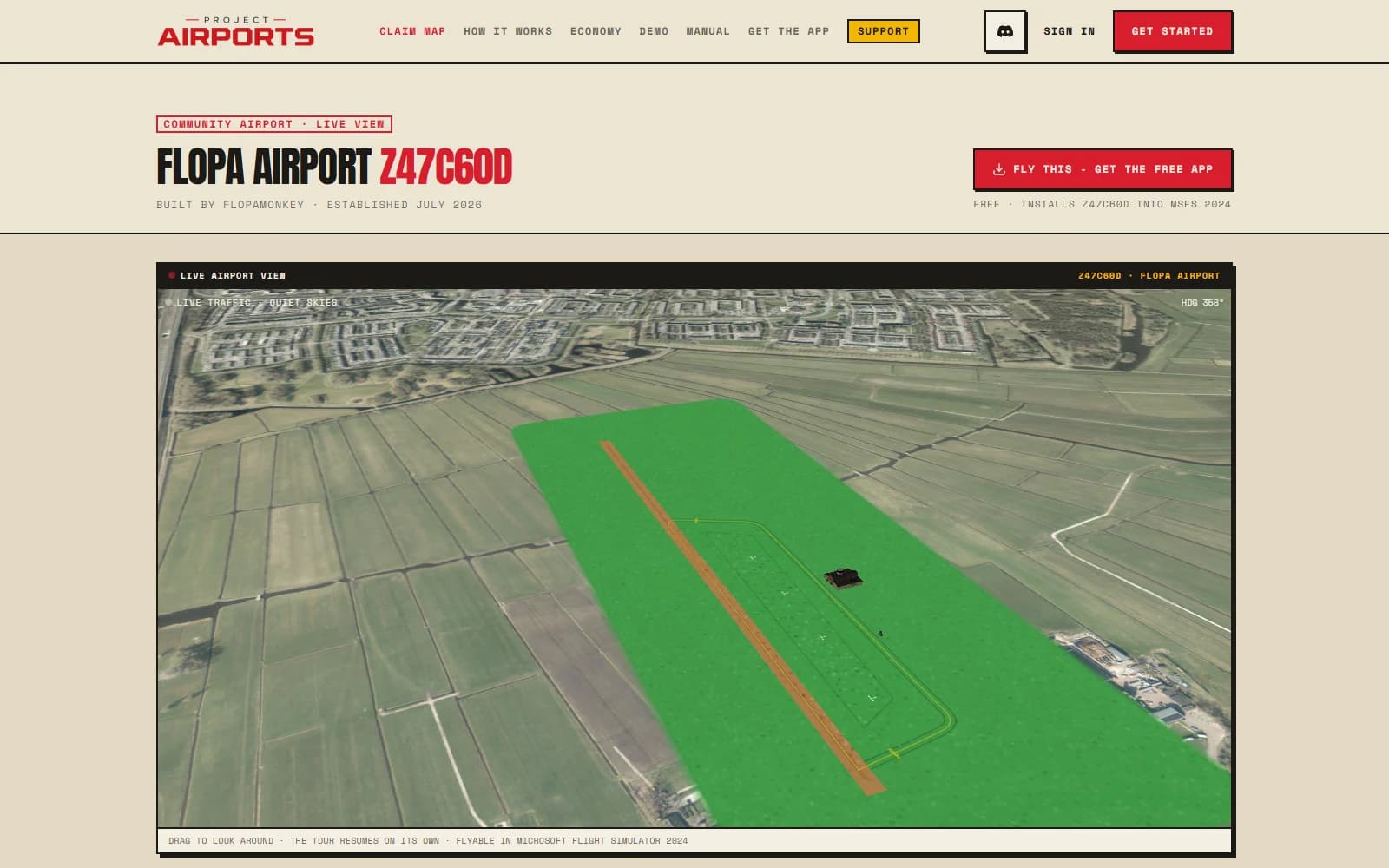
The public directory at /airports lists published fields with images, and the Claim Map search finds airports by name - heart the ones you want to come back to. Every published airport also has a shareable page of its own; see Public airport pages.